Best AI Coding Tools in 2026: Top Assistants Every Developer Should Try
Artificial intelligence has transformed software development, making coding faster, more accurate, and more accessible than ever before
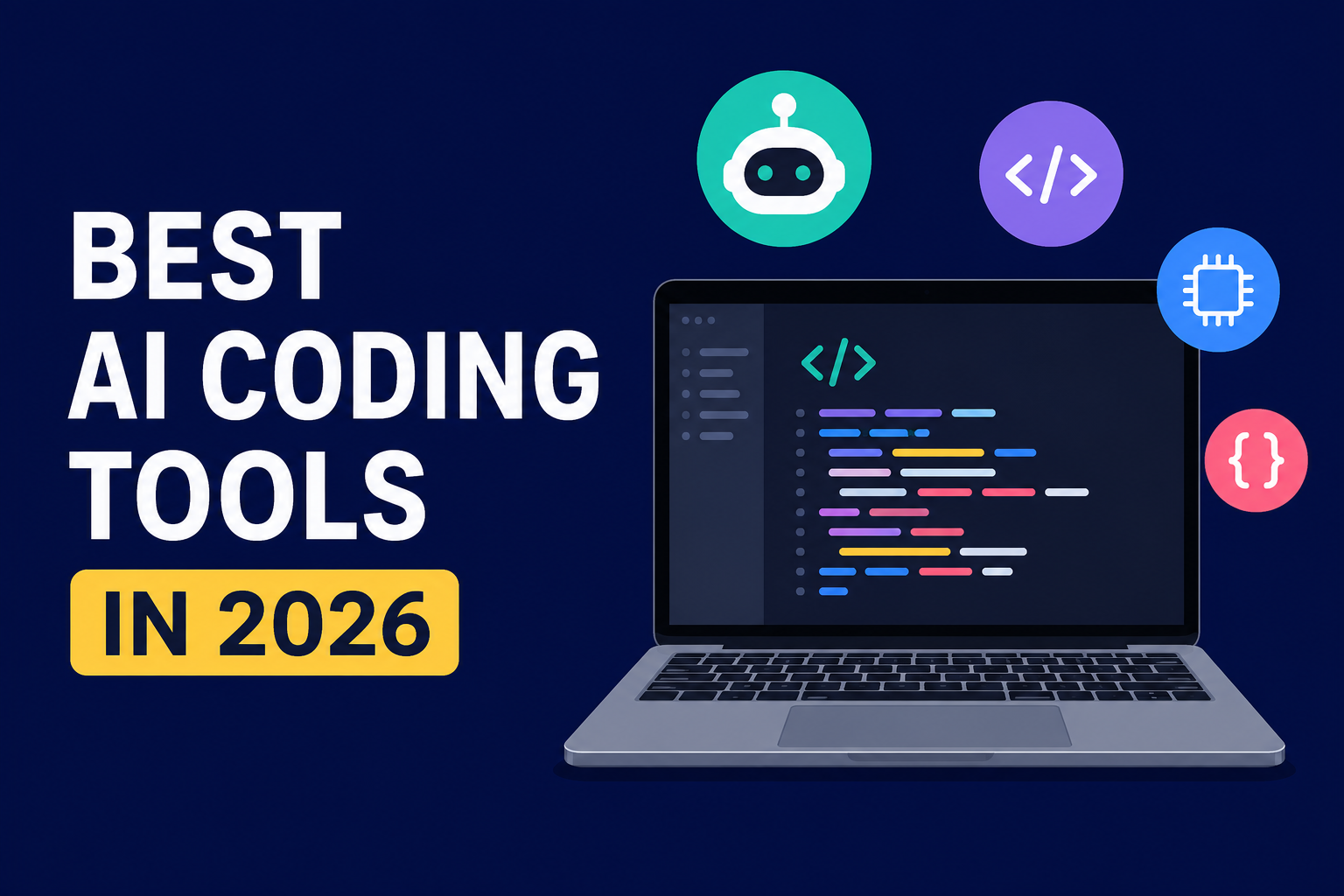
Artificial intelligence has transformed software development, making coding faster, more accurate, and more accessible than ever before. In 2026, AI coding assistants have evolved beyond simple code completion—they can now generate entire applications, debug complex issues, explain unfamiliar codebases, write tests, and even help deploy software.
Whether you're a professional developer, a startup founder, or someone learning to code, choosing the right AI coding tool can dramatically improve your productivity. Here's a look at some of the best AI coding assistants available in 2026.
Why AI Coding Tools Matter
Modern AI coding assistants are capable of handling repetitive tasks that once consumed hours of development time. They can:
- Generate code from natural language prompts
- Explain existing code
- Detect bugs and security vulnerabilities
- Refactor large codebases
- Write documentation
- Create unit and integration tests
- Assist with SQL queries
- Help learn new programming languages and frameworks
Instead of replacing developers, these tools are becoming intelligent collaborators that help teams build software more efficiently.
1. ChatGPT
ChatGPT remains one of the most versatile AI assistants for developers. It supports dozens of programming languages and can help with everything from writing simple scripts to designing complex software architectures.
Best for
- Debugging code
- Learning programming concepts
- Laravel and PHP development
- Python automation
- JavaScript frameworks
- API integration
- SQL optimization
Pros
- Excellent reasoning capabilities
- Strong explanations for beginners
- Supports large codebases
- Great for planning software architecture
Cons
- May require follow-up prompts for highly specialized projects.
2. Claude
Claude has earned a strong reputation for handling very large codebases and maintaining context across lengthy conversations. Developers often use it when working on enterprise applications or reviewing thousands of lines of code.
Best for
- Code reviews
- Large Laravel projects
- Documentation generation
- Refactoring legacy applications
- Architecture planning
Pros
- Handles long context exceptionally well
- Produces readable, maintainable code
- Strong analytical reasoning
Cons
- Can occasionally be conservative when generating complex implementations.
3. GitHub Copilot
GitHub Copilot continues to be one of the most popular AI coding assistants thanks to its seamless integration with Visual Studio Code and other IDEs.
It focuses on inline code suggestions, allowing developers to stay inside their editor while receiving intelligent autocomplete recommendations.
Best for
- Everyday coding
- Auto-completion
- Writing boilerplate code
- Test generation
- Documentation
Pros
- Fast suggestions
- Excellent IDE integration
- Supports many programming languages
Cons
- Less suited for deep architectural discussions than conversational AI assistants.
4. Gemini
Google's Gemini has become a strong option for developers working within Google's ecosystem.
It integrates well with Android development, Google Cloud, and modern web technologies.
Best for
- Android apps
- Flutter development
- Google Cloud
- Java
- Kotlin
Pros
- Excellent Google ecosystem integration
- Strong multimodal capabilities
- Good code explanations
Cons
- Works best when using Google services.
5. Cursor
Cursor has quickly become a favorite among professional developers because it's built as an AI-first code editor rather than simply adding AI to an existing IDE.
Its ability to understand an entire project makes it particularly useful for complex software development.
Best for
- Full-stack development
- Laravel applications
- React
- Next.js
- Python
- Refactoring
Pros
- Deep project awareness
- Fast code generation
- Excellent editing workflow
Cons
- Best experience comes from adopting its editor rather than a traditional IDE.
6. Windsurf
Windsurf focuses on collaborative AI-assisted software development. It can understand project context, generate features, and assist with debugging across multiple files.
Best for
- Large projects
- Team collaboration
- AI pair programming
Pros
- Strong context awareness
- Efficient workflow automation
- Modern interface
Cons
- Advanced features may require a learning curve.
7. Codex
Codex is designed for developers who need AI assistance with writing, understanding, and improving code. It excels at generating implementations from natural language instructions and helping automate software engineering tasks.
Best for
- Backend development
- Code generation
- Bug fixing
- Development automation
Pros
- High-quality code output
- Supports multiple programming languages
- Useful for both beginners and experienced developers
Cons
- Performance depends on providing clear, detailed prompts.
Choosing the Right AI Coding Tool
The best assistant depends on how you work.
- For everyday coding: GitHub Copilot
- For large codebases: Claude
- For deep technical discussions: ChatGPT
- For AI-first development: Cursor
- For Android and Google Cloud: Gemini
- For collaborative workflows: Windsurf
- For software engineering automation: Codex
Many developers combine several of these tools rather than relying on just one. For example, they may use GitHub Copilot for inline suggestions, ChatGPT for debugging, and Claude for reviewing complex code.
The Future of AI-Assisted Development
AI coding assistants are evolving rapidly. Instead of simply suggesting lines of code, modern tools can increasingly understand project requirements, identify bugs before deployment, generate documentation, and automate repetitive development tasks.
As these capabilities continue to improve, developers will likely spend less time on routine coding and more time solving complex problems, designing better software, and delivering innovative products.
For developers willing to embrace AI as part of their workflow, 2026 offers more capable and specialized coding assistants than ever before, making software development faster, smarter, and more efficient.
SEO Title: Best AI Coding Tools in 2026: Top AI Assistants for Developers
Meta Description: Discover the best AI coding tools in 2026, including ChatGPT, Claude, GitHub Copilot, Cursor, Gemini, Windsurf, and Codex. Learn which AI assistant is right for your development workflow.