Windows 11 Tests New Voice Isolation, Plug-and-Play Braille Support, and GIPHY Integration
Microsoft tests Voice Isolation, plug-and-play braille displays, GIPHY integration, and other improvements in Windows 11 Insider Build 29634.1000.
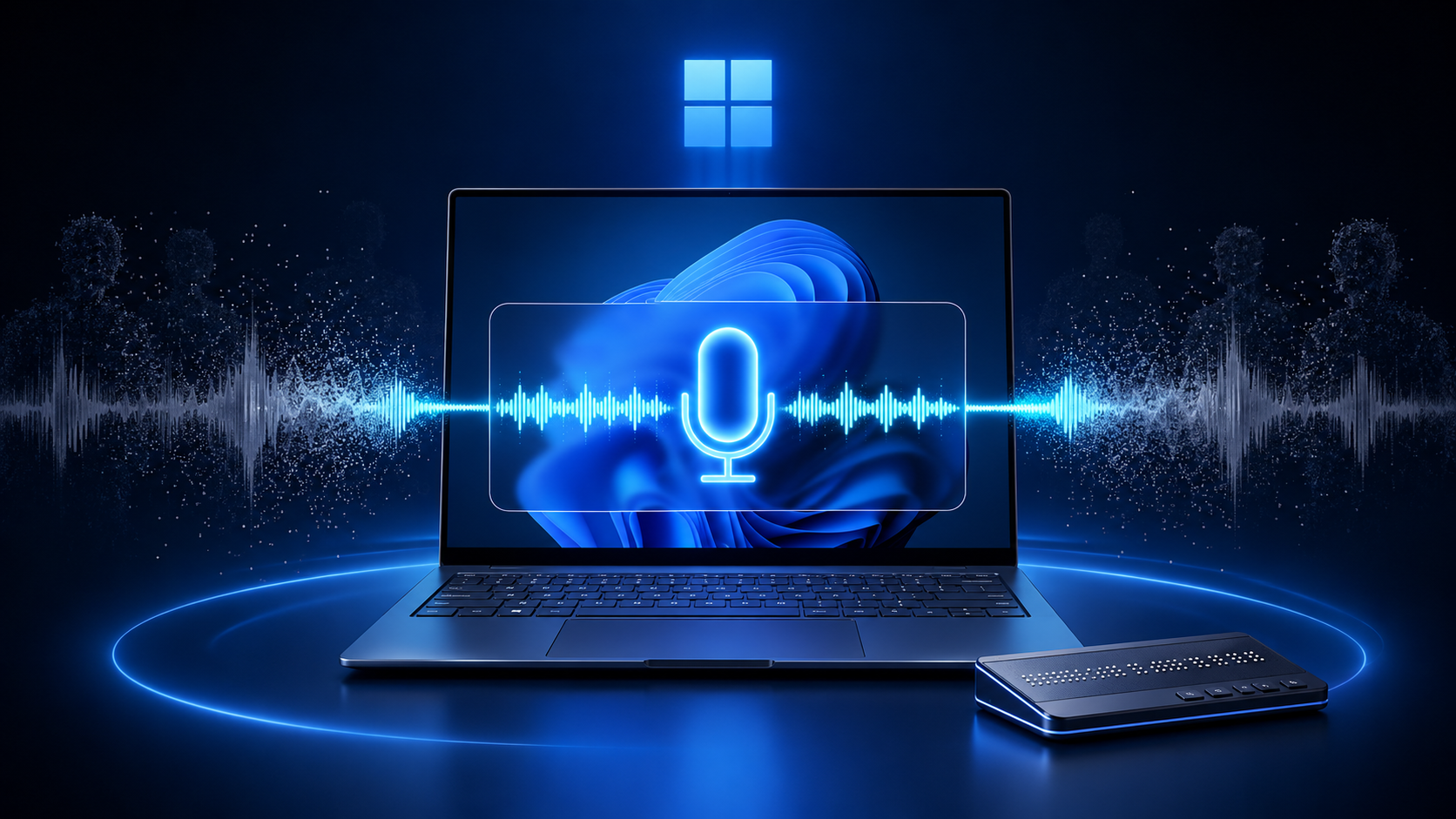
Microsoft has released Windows 11 Insider Preview Build 29634.1000, introducing several accessibility and usability improvements. The update’s biggest addition is a new Voice Isolation feature designed to help Windows understand users more accurately in noisy environments.
Released on July 27, 2026, the preview build is currently available through the Experimental (Future Platforms) channel of the Windows Insider Program. This means the features are still being tested and are not yet available to everyone running Windows 11.
Voice Access Can Now Focus on Your Voice
Voice Access allows people to control Windows 11 and enter text using spoken commands. However, voice recognition can become less accurate when other people are talking or background noise is present.
The new Voice Isolation option attempts to solve that problem by filtering out other voices and unwanted sounds. It could be particularly useful for people working in shared offices, busy homes, open workspaces, and other noisy locations.
Microsoft says the feature processes voice data directly on the device. The user’s voice information does not need to be sent to the cloud, offering an additional level of privacy.
Windows 11 now provides three speech-recognition modes under Voice Access settings > Improve speech recognition:
- Voice Isolation: Filters other speakers and background noise. It requires a one-time voice setup.
- Remove background noise only: Filters sounds such as typing, doors closing, and other non-speech noise.
- No filtering: Uses the microphone’s original input without additional processing.
Setting up Voice Isolation takes approximately one minute. Windows asks the user to read a short paragraph aloud so the system can learn and recognize their voice more accurately.
Braille Displays Become Easier to Use
The update also introduces improved support for refreshable braille displays through Windows Narrator.
Compatible displays using the Human Interface Device, or HID, standard can now connect to Windows 11 without requiring additional drivers or complicated configuration. Users can connect a supported display through USB and begin using it immediately.
Bluetooth-enabled HID braille displays can also be paired through Settings > Bluetooth & devices, similar to other wireless accessories.
Supported devices mentioned by Microsoft include:
- Orbit Reader 20
- Orbit Slate 340
- Freedom Scientific Focus 40
- APH Mantis Q40
HID braille displays can also work during the initial Windows setup process when connected through USB. This could allow deaf-blind users to set up a new computer more independently from the first Windows installation screen.
Braille settings can be managed under Settings > Accessibility > Narrator > Braille.
Windows 11 Emoji Panel Switches to GIPHY
Microsoft is also changing the GIF provider used by the Windows 11 emoji panel.
After the deprecation of the Tenor API, the emoji panel now uses GIPHY for GIF searches. Users can open the panel by pressing Windows key + period (.) and browse for animated GIFs to share in supported applications.
Microsoft says the change should provide a smoother GIF browsing and sharing experience.
Other Improvements Included in the Build
Windows 11 Build 29634.1000 includes several smaller reliability and interface improvements:
- A refreshed Account Control flyout with a clearer subscription badge
- More reliable access to the Startup apps page in Settings
- Better system tray loading when using a device in tablet mode
- Improved Start menu keyboard navigation
- More reliable retention of the user’s preferred Start menu view
- Better detection of time-zone changes
- Improved scrolling reliability in applications spanning multiple monitors
The Experimental (Future Platforms) channel has also completed its transition to the updated Windows Insider Program interface.
Insider Users Need to Update Before August 11
Build 29634.1000 includes a renewed Windows Insider flight certificate. Microsoft says the current certificate expires on August 11, 2026.
People testing builds in the Experimental (Future Platforms) channel should install a newer build containing the renewed certificate before that date. Flight certificates help ensure Insider devices remain on supported preview builds and continue receiving future updates.
When Will These Features Reach Everyone?
Microsoft has not announced when Voice Isolation or the other improvements will become available in the stable version of Windows 11.
Features introduced through Experimental Insider builds can change, be delayed, or be removed after testing. Some improvements may eventually arrive through a future Windows 11 feature update, while others could be distributed gradually through regular servicing updates.
Still, Voice Isolation is an interesting addition because it improves accessibility while keeping voice processing on the device. Combined with easier braille display support, the update shows Microsoft continuing to improve how people with different accessibility requirements interact with Windows.
The complete release notes are available on the official Windows Insider Blog.